
The studio for
Clannect creators
Clannect Workspace is where you look after your posts, design avatar frames, and see what you earn. It sits beside Clannect, built for the work of creating.
What is Clannect Workspace
A home for the work behind your profile.
Clannect is where people play, post, and hang out. Workspace is the studio next to it. Posts, assets, inbox, earnings, and cosmetics live here, so creating has its own place.
Design an avatar frame and sell it in the Store. Read your analytics. Ask Clank about your own numbers. Then take the Cubes you earned with you.
Features
Everything a creator needs in one studio
Built for the people who post, design, and earn on Clannect.
Dashboard
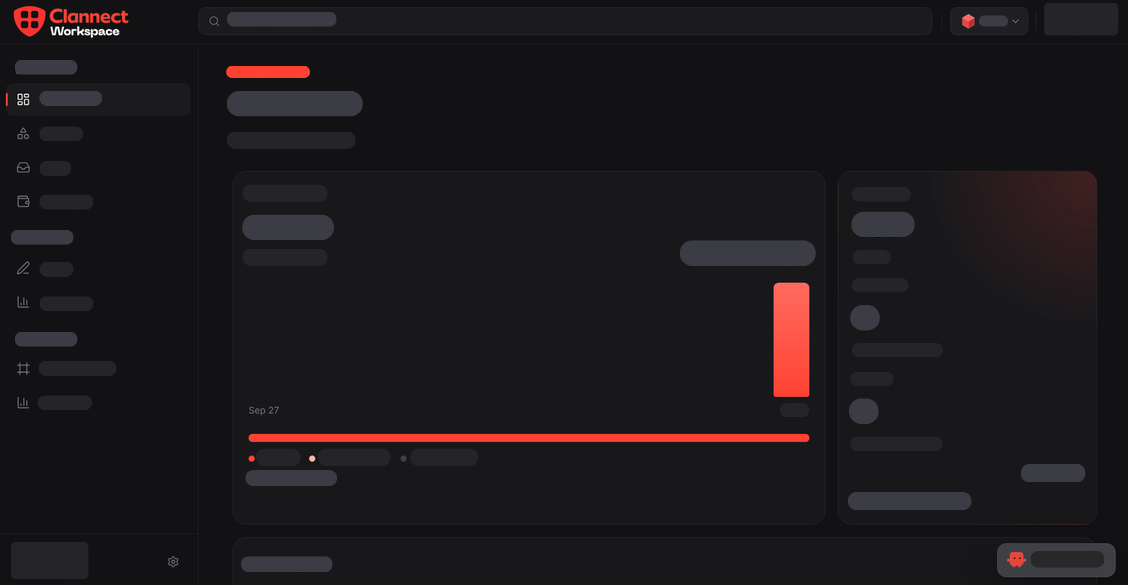
Open the studio and see your latest posts, frames, and how the work is doing, without digging through the social app.
Posts & Assets
Look after the posts on your profile and keep pictures, videos, and other files in one library you can reuse.
Avatar Frame Editor
Design a frame around your picture, set a price in Cubes, and sell it in the Clannect Store. Clannect keeps 20% of each sale.
Earnings
See the Cubes you earn from content and from frame sales, then withdraw them when your balance is ready.
Analytics
Content analytics and cosmetic analytics show views, likes, sales, and stars, so you can tell what is working.
Talk to Clank
Ask Clank about your posts, frames, and earnings. It reads your studio, so the answers are about your work.
Workflow
From a post to Cubes you can keep.
Create in the studio, learn what lands, and get paid in Cubes.
01
Create
Manage your posts, keep your files in Assets, and design avatar frames in the editor.
02
Understand
Read content and cosmetic analytics, or ask Clank what your studio is showing you.
03
Earn
Sell frames in the Store and withdraw the Cubes you earn from your work.